

Welcome to

ViceVersa PRO is an advanced file synchronization software for Windows. With ViceVersa PRO it's easy to synchronize files across computers, servers and disks. Show Me
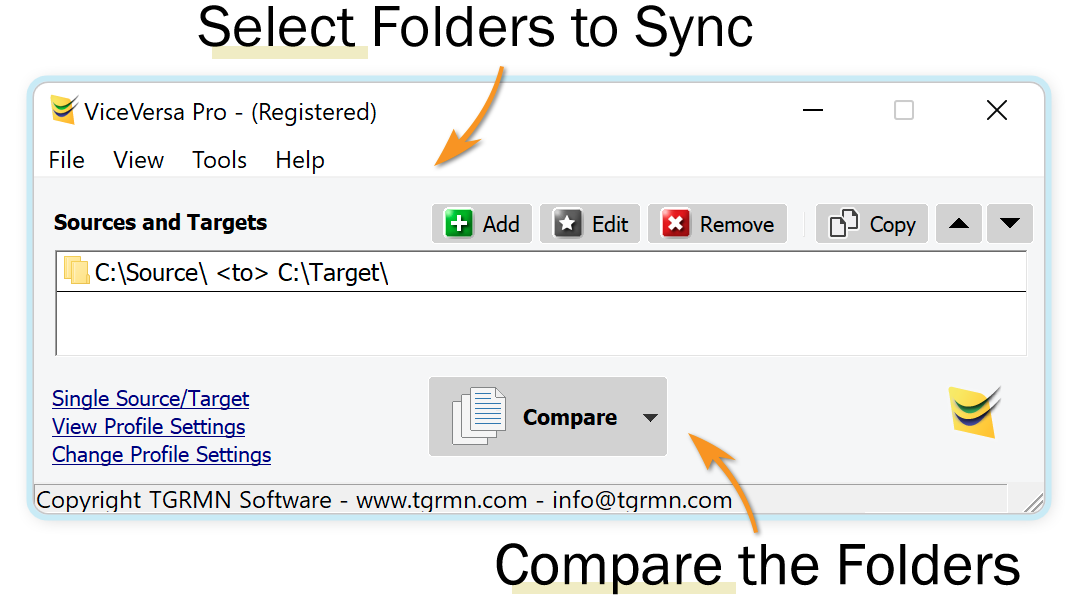
Select the Folders to Synchronize
Folders can be on local disks, on the network, SMB, on a NAS, a USB drive or any other media and multiple folders can be setup.
Add as Many Folders as You Want
You can add folders by clicking on the 'Add' button, or also edit or remove them. Multiple Source/Target pairs are supported.
Click 'Compare' to Start
After you have selected the folders to synchronize, click on "Compare". ViceVersa PRO will compare the folders and work out which files are newer, older or the same.
Download Free TrialContact
Download
© All Rights Reserved. TGRMN Software