

VVEngine: New Advanced Scheduler for ViceVersa PRO
 

Download

Step 1: Download ViceVersa PRO 2

VVEngine 1.1 requires ViceVersa PRO 2 Build 2014 (or newer) to run:
Download ViceVersa PRO 2 Build 2014
You can install ViceVersa PRO Build 2014 over a previous version More Info


Step 2: Download VVEngine 1.1

Download VVEngine 1.1 for Win XP, 2000, Vista
(non-server edition) or

Download VVEngine 1.1 for Win 2003, 2000
(server edition)


For more information on VVEngine installation see:
How Do I Install VVEngine?
and VVEngine FAQ
VVEngine 64-bit info


Buy Now

VVEngine 1.1 for Windows XP, 2000, Vista

$24.95 per license Buy Now Buy Now


VVEngine 1.1 for Windows 2003, 2000 (server)

$49.95 per license Buy Now Buy Now

 
  Upgrade

If you already purchased VVEngine 1.0 you can upgrade to VVEngine 1.1 for free More Info
 

Features
 
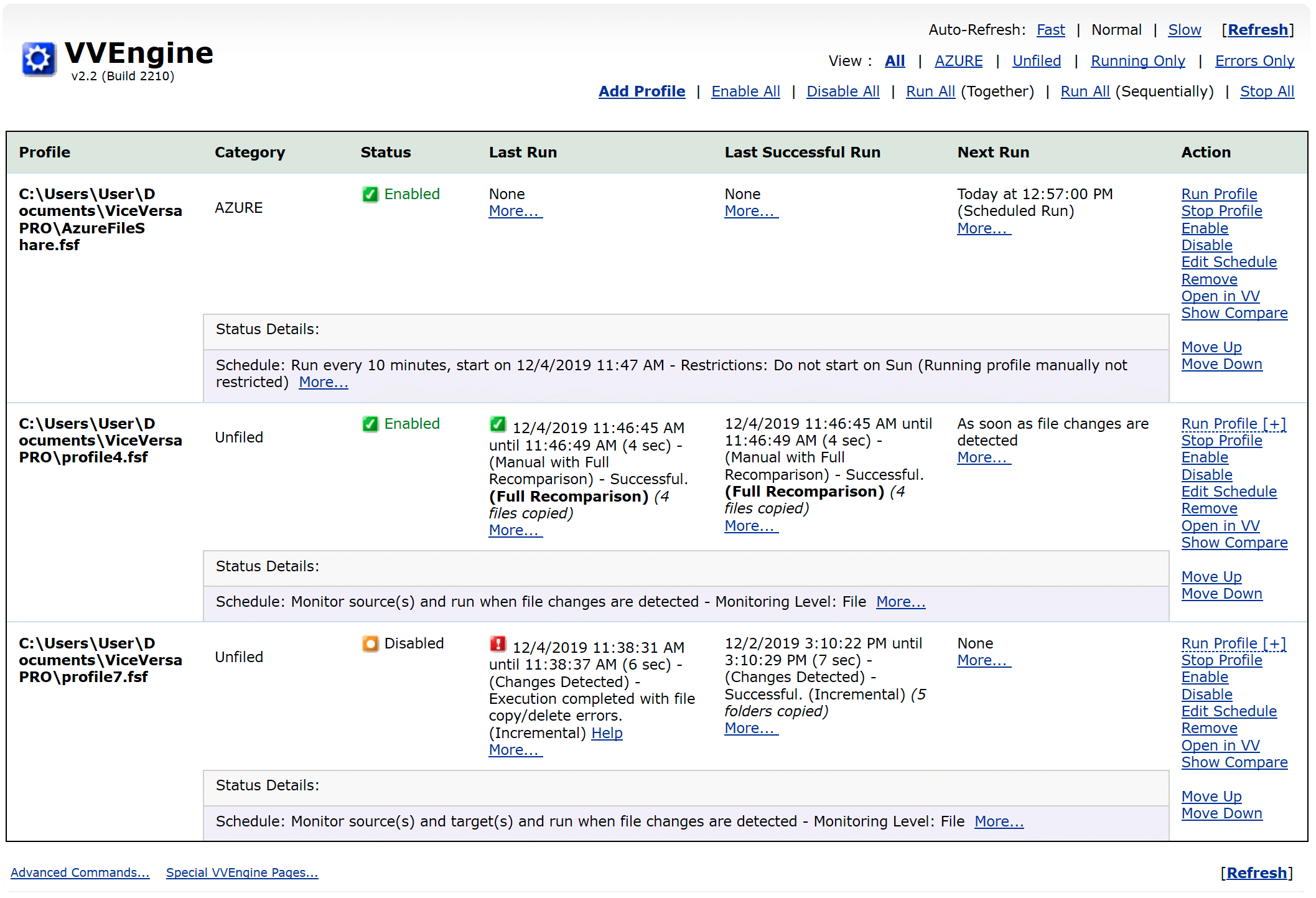
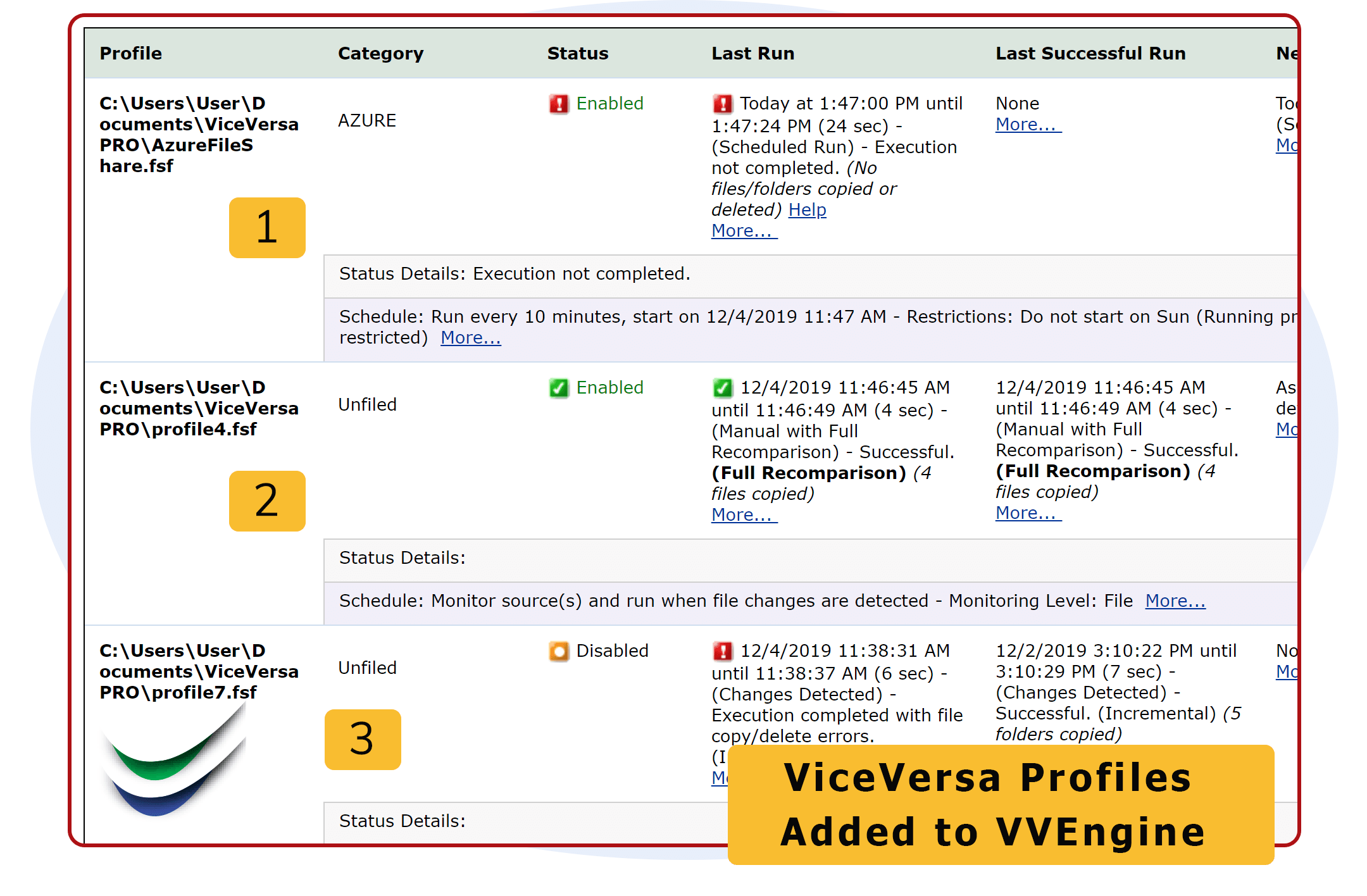
 Manage Multiple Profiles. VVEngine makes it very easy to manage multiple ViceVersa profiles. Each profile can be scheduled separately and organized into categories.
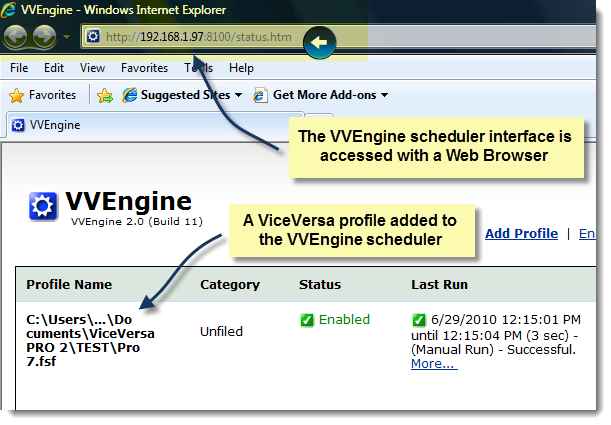
 Control VVEngine using your Internet Browser. You can access VVEngine from any machine connected to the network. You are not limited to the machine where VVEngine and ViceVersa are running.
 VVEngine works seamlessly with ViceVersa PRO 2. VVEngine is an add-on specifically designed to optimize scheduling of your ViceVersa PRO profiles.
 Organize Profiles into Categories. Simple profile grouping allows you to run multiple profiles with the click of a button.
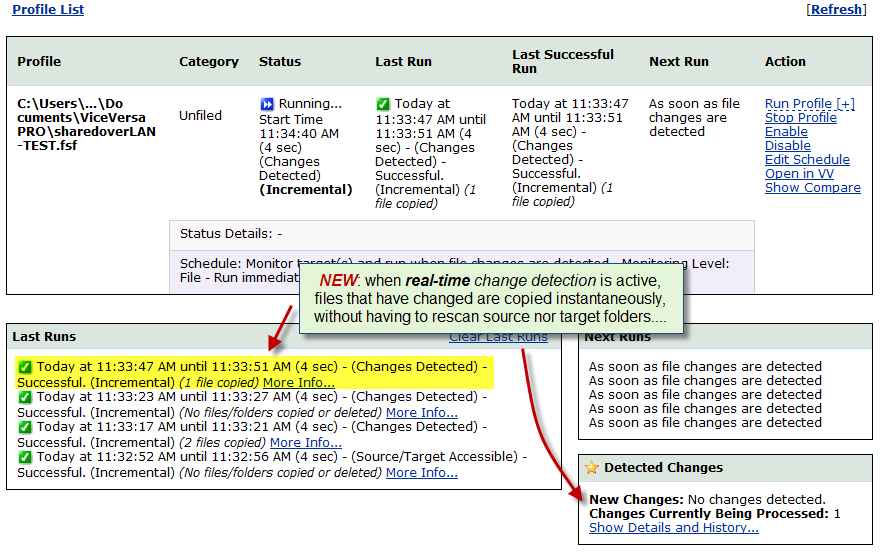
 Extensive Scheduling Options. Set profiles to run every X minutes, every X hours, every X days. You can exclude certain days from the schedule, set your profiles to run at startup or as soon as file changes are detected, and much more ...
 Detect External Drives and Network Connections. Set profiles to run when external drives or network connections are detected.
 Re-Run On Error. If an error occurs during a profile run, you can instruct VVEngine to restart the profile after X minutes.
 Run Profiles Consecutively. You can "link" ViceVersa profiles and schedule them to run consecutively.
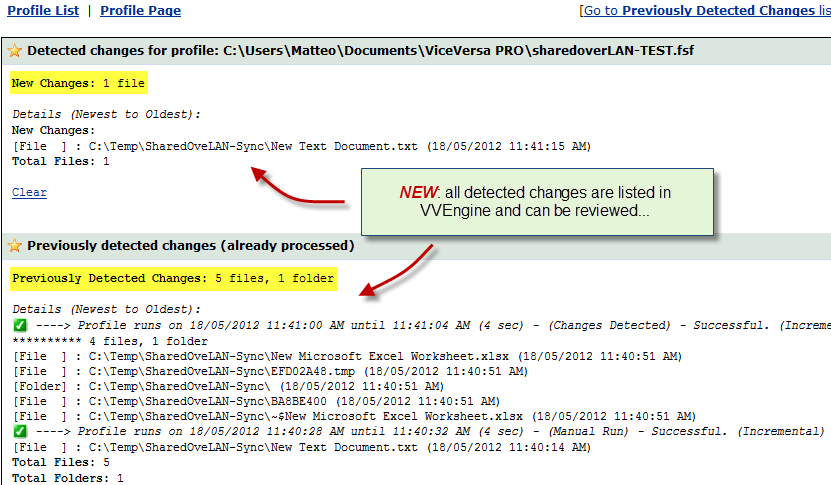
 Keep Track of Your Profile History. VVEngine keeps track of your profile runs. This allows you to see the number of files and data copied/deleted, any eventual errors, run time elapsed for up to the last 15 runs and much more ...
 Setup VVEngine to Run as a Service. VVEngine can easily be setup to run as a Windows Service that continues to run even when no one is logged onto the server.
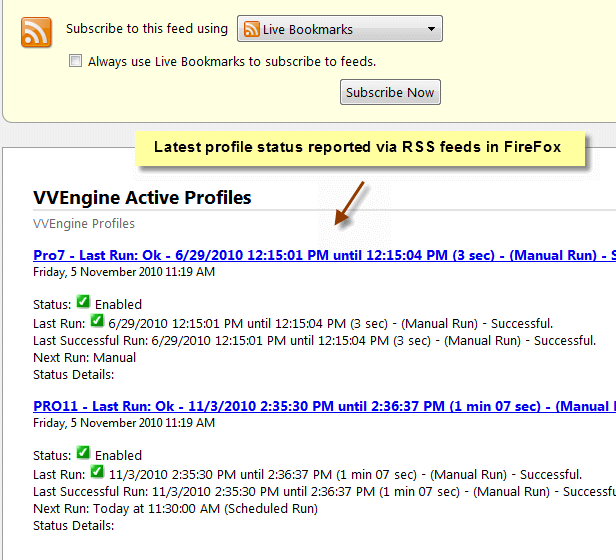
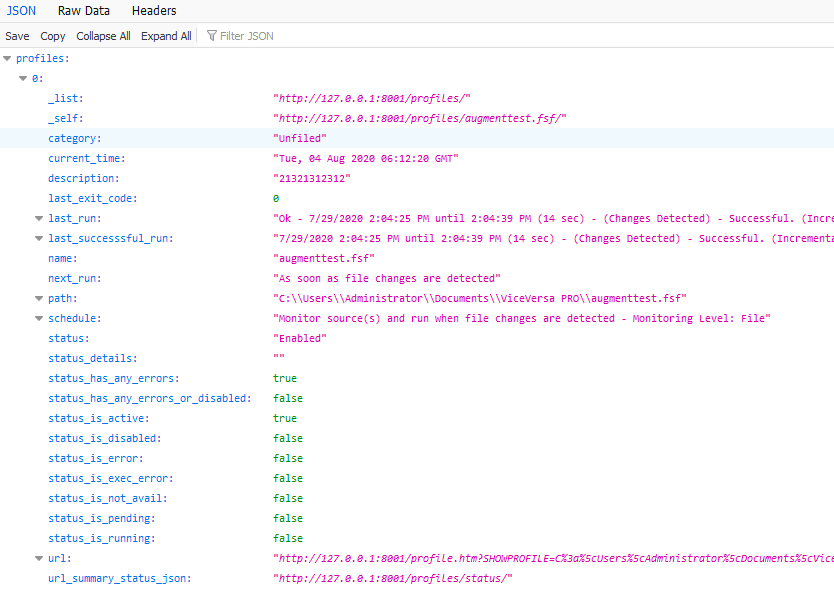
 Check Your Profiles Using RSS Feeds. new! VVEngine can now report the latest profile runs via RSS feeds to any machine on the network.
 VVEngine 1.1 is now available for download. Download VVEngine for a free trial and discover its scheduling power.

VVEngine: Advanced Scheduling Made Easy!


Copyright 2001-2008 TGRMN Software